YouTube-annonsering
Med videoannonsering på YouTube kan du nå ut til et stort publikum som ønsker å bli underholdt. På YouTube kan du tilpasse annonsene dine etter ønsket målgruppe gjennom annonsesystemet til Google. Dette gjør at du effektivt treffer folk som er interessert i det du tilbyr.
Hvorfor skal din bedrift annonsere på YouTube?
Du når en enorm og variert målgruppe
YouTube er en stadig voksende plattform, og er det nest mest besøkte nettstedet etter Google søk. Plattformens kombinasjon av innhold og brukersamfunn tiltrekker seg dedikerte og engasjerte brukere. Det er derfor perfekt for en bedrift å være synlig på YouTube med engasjerende og bevegende videoer.
Målrettet annonsering
Gjennom annonsesystemet til Google kan du definere målgrupper basert på demografi, lokasjon, interesser, brukerens tidligere kjøp og handlinger, ditt eksisterende kundesegment og mer. En så nøyaktig målretting av annonser er en stor fordel med YouTube sammenlignet med tradisjonell videomarkedsføring på TV. YouTube-annonser er enkelt å sette opp og svært treffende.
Betal kun for ønskede handlinger
Gjennom Google betaler du kun for det faktiske engasjementet annonsene dine bringer. På videoer som ikke kan hoppes over betaler du per klikk, og på videoer som kan hoppes over, betaler du for brukere som ser lenger enn 30 sekunder.
Hva er YouTube-annonsering?
YouTube er en plattform hvor du kan annonsere gjennom alle tilgjengelige annonseformer, men videoannonsering er naturligvis mest egnet for plattformen.
Om du har en video du ønsker å bruke i markedsføring er YouTube-annonser perfekt for deg. Med YouTube-annonsering betaler du Google for å vise ditt innhold i kombinasjon med vanlige videoer for brukerne av YouTube. Når du bruker YouTube som annonseringsplattform vil du kunne annonsere effektivt mot folk som er interessert i ting knyttet opp mot din merkevare.
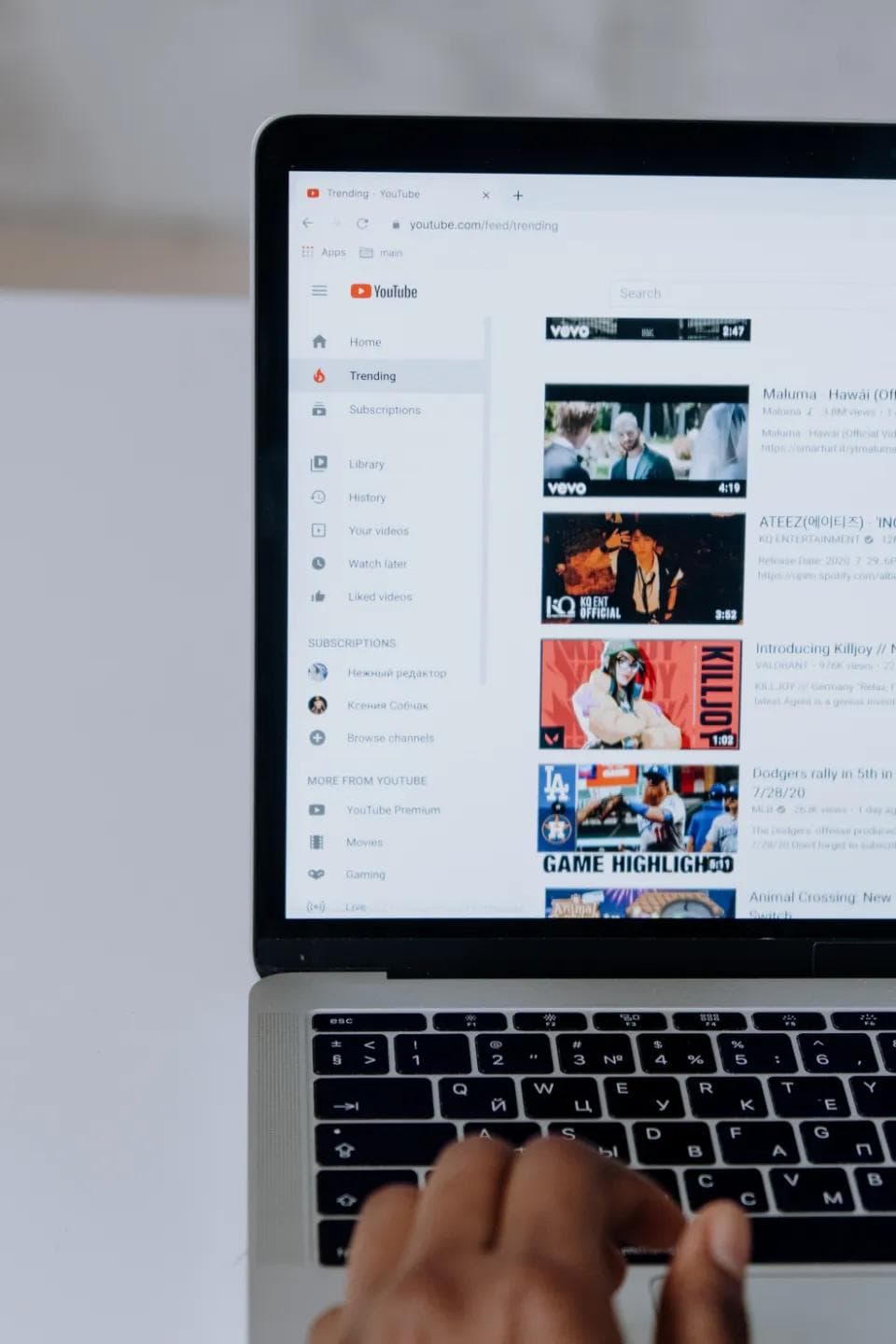
Hvilke typer YouTube-annonser finnes?
Om du har en Google Ads-konto som brukes til annonsevideoene dine, så kan du velge hvordan du ønsker å plassere annonsen din. Det finnes både muligheter for å plassere videoannnonser i søkeresultatet på Google når noen søker etter relevante videoer, og videoannonser som legges inn i videoen som brukeren ser. Du kan plassere dem før, etter eller underveis i videoen som spilles. Noen av annonsene kan hoppes over, mens andre gir deg ikke muligheten til dette. Vi skiller mellom følgende typer YouTube-annonser:
Videoannonser som kan hoppes over
Videoannonser som vises i videospilleren som bruker kan velge å hoppe over etter 5 sekunder. Du betaler kun hvis brukeren ser over 30 sekunder av videoen. I slike annonser er det viktig å ha noe fengende (gjerne en CTA) de første 5 sekundene for å fange interessen til brukeren.
Videoannonser som ikke kan hoppes over
Videoannonser som vises i videospilleren på YouTube som ikke kan hoppes over. Disse videoene er 15 eller 20 sekunder lange, det varierer basert på regionen man annonserer i.
Bumperannnonser
Bumperannonser er korte videoannonser som kun varer opptil 6 sekunder. De kan ikke hoppes over, men er til gjengjeld svært korte.
Overleggsannonser
Illustrerte annonser eller tekstannonser som vises over videoen som spilles i videospilleren.
Discovery-annonser
Annonsevideoer som vises i søkeresultatet på YouTube eller sammen med anbefalte videoer på siden av videospilleren.
Hvordan sette opp YouTube-annonser?
For å lage YouTube-annonser er det aller første du trenger å gjøre å lage en video du ønsker å markedsføre. Deretter trenger du en YouTube-bruker tilknyttet bedriften din, for å ha et sted å laste opp annonsevideoen. Til slutt vil du kunne sette opp en kampanje knyttet til videoen i Google Ads.
I Google Ads kan du bestemme hva slags type YouTube-annonse du ønsker det skal være, hvor den skal vises, og du kan justere budsjettet til annonsen. I likhet med andre Google-annonser vil du ha mulighet til å bestemme hvem annonsene skal rettes mot. Googles algoritmer gjør dette svært nøyaktig og treffsikkert.

Phasuk Manphom
Salgs- og markedskoordinator
Ønsker du hjelp med annonsering på YouTube?
Våre spesialister har god erfaring med YouTube-annonsering, og hjelper deg gjerne gjennom hele prosessen!